Dog Button Training Guide 2026: FluentPet AAC Setup & Tips
Learn how to set up FluentPet AAC buttons and teach your dog to communicate using canine signals and spatial memory in this complete 2026 guide.
Introduction to Canine Augmentative and Alternative Communication
The landscape of canine behavioral conditioning has evolved dramatically over the last few years, and as we move through 2026, Augmentative and Alternative Communication (AAC) sound buttons have transitioned from a viral internet trend into a scientifically backed training methodology. Dogs possess a profound capacity for receptive language and spatial memory, and when we provide them with the tools to express their desires, we unlock a new tier of human-animal bonding. However, successful button training is not merely about teaching a dog to press a plastic disc for a treat; it is about integrating this new vocabulary with their natural canine communication and body language signals.
In this comprehensive guide, we will explore how to set up the industry-leading FluentPet system, decode your dog's physical signals during training sessions, and build a robust, frustration-free vocabulary map. According to the ASPCA's dog behavior resources, cognitive enrichment is just as vital as physical exercise for preventing behavioral issues, and AAC training provides a rigorous mental workout that satisfies a dog's innate problem-solving drives.
Why FluentPet Remains the Top Hardware Choice in 2026
While the market has seen an influx of generic, cheap sound boards, professional dog trainers and veterinary behaviorists continue to recommend the FluentPet Designer Edition for serious AAC training. As of 2026, the FluentPet starter kit retails for approximately $159.99 and includes their proprietary HexTile mats. Unlike flat, slippery alternatives, these hexagonal mats provide distinct tactile feedback and leverage a dog's spatial memory.
Dogs do not just memorize the sound a button makes; they memorize exactly where the button is located in space. The 2026 firmware update for the FluentPet companion app also includes an improved 'Vocabulary Tracker' and community heat maps, allowing you to see which word combinations are most successfully being used by similar breeds globally. The matte-finish tiles reduce visual overstimulation, which is a critical factor when working with reactive or easily distracted dogs.
Reading Canine Signals Before and During Button Training
The most common mistake handlers make is ignoring the dog's physical communication in favor of the mechanical button press. A button is simply a tool; your dog's body language is the true indicator of their emotional state and comprehension. The Fear Free Pets initiative heavily emphasizes the importance of recognizing stress and appeasement signals to prevent training burnout.
Signals of Engagement and Readiness
- The 'Play Bow' and Loose Wag: If your dog approaches the HexTile mat with a relaxed, sweeping tail wag and a soft, open mouth, they are in an optimal learning state. Their arousal level is balanced.
- Targeted Staring and Paw Raises: When a dog looks intently at a specific button, then flicks their eyes up to you, they are demonstrating 'joint attention.' This is a highly advanced cognitive signal indicating they understand the button is a conduit to you.
- Ear Positioning: Ears held in a neutral or slightly forward position indicate active curiosity and focus on the auditory feedback of the button.
Signals of Frustration and Cognitive Overload
If you are modeling a new word and your dog begins exhibiting the following signals, you must immediately lower your criteria and end the session on a positive note:
- Displacement Behaviors: Sudden, intense sniffing of the floor, scratching behind the ear when not itchy, or shaking off as if wet. These indicate internal conflict or confusion.
- Calming Signals: Excessive lip licking, yawning when not tired, or 'whale eye' (showing the whites of the eyes while turning the head away). These mean the dog feels pressured by the training environment.
- Button Mashing: Rapidly hitting multiple buttons with paws or nose without looking at you is not communication; it is an extinction burst or a sign of frustration. It means the spatial mapping has broken down.
Step-by-Step FluentPet Button Training Protocol
Effective AAC training relies heavily on operant conditioning and the 'modeling' technique. You must follow the American Kennel Club training guidelines regarding positive reinforcement timing to ensure the dog associates the action, the sound, and the reward seamlessly.
Phase 1: Target Training and Spatial Mapping
Before introducing words, your dog must know how to activate the hardware. Start with a single, unrecorded button or a 'target' lid.
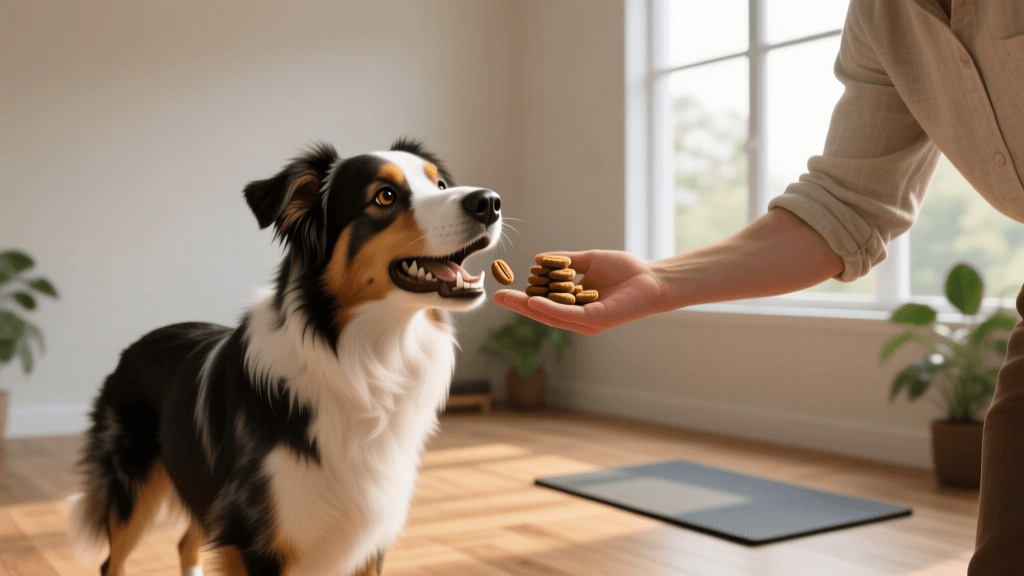
- Place a high-value treat (like freeze-dried beef liver) directly on top of the button.
- As the dog eats the treat, their nose or paw will inevitably bump the button. The moment it clicks, use a marker word like 'Yes!' and offer a second treat from your hand.
- Repeat this until the dog deliberately targets the button with their nose or paw to elicit the marker word. This usually takes 3 to 5 short sessions of 5 minutes each.
Phase 2: Modeling the Core Vocabulary
Modeling involves you, the handler, pressing the button to narrate your actions and the dog's environment. You are not forcing the dog's paw. You are demonstrating the utility of the tool.
The Golden Rule of Modeling: Always press the button before the action occurs. If you are going outside, press 'Outside', wait one second, and then open the door. The button must predict the event, not merely react to it.
Start with highly motivating, functional words. 'Outside', 'Play', and 'Eat' are the holy trinity of early AAC training. Model the word 3 to 5 times a day in natural contexts. Do not stare at your dog expectantly after pressing the button; this creates performance anxiety. Simply press, narrate, and fulfill the action.
Phase 3: Expanding the HexTile Mat
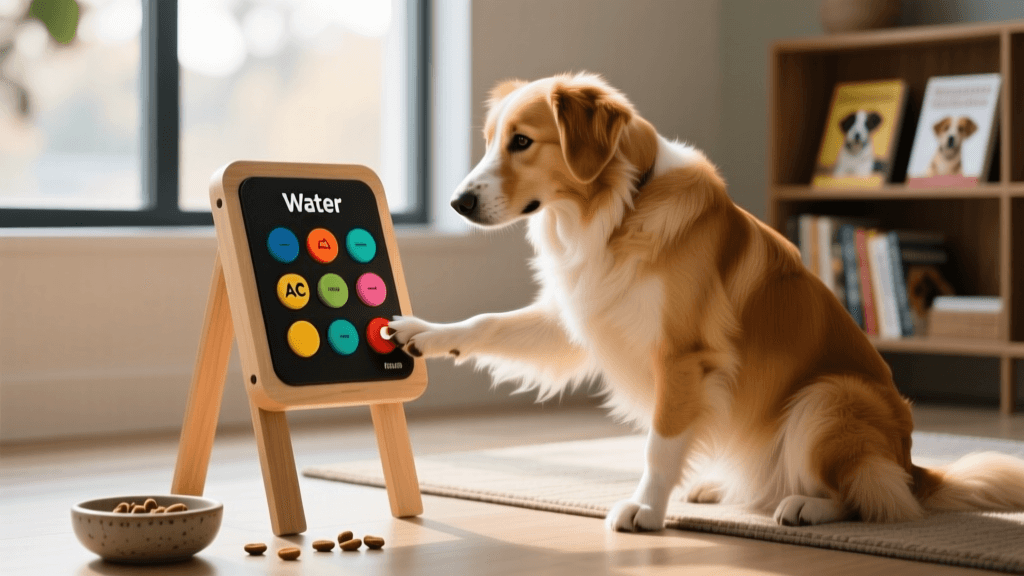
Once your dog is reliably pressing the first button to request an action, it is time to introduce spatial differentiation. Connect a second HexTile mat. Place the new button (e.g., 'Water') on the new tile. Dogs map their environment geometrically. Keeping 'Outside' on the bottom left and 'Water' on the top right utilizes their natural spatial memory, reducing cognitive load when they are trying to formulate a 'sentence' or multi-button press.
Core Vocabulary Table: First 10 Buttons to Teach
When building your dog's initial vocabulary map, consistency in placement and category is paramount. Use the following layout for your first ten buttons to optimize spatial memory retention.
| Button Word | Category | HexTile Location | Modeling Action & Context |
|---|---|---|---|
| Outside | Activity | Tile 1: Bottom Left | Press, leash up, and walk out the door. |
| Play | Activity | Tile 1: Top Left | Press, then immediately initiate tug or fetch. |
| Walk | Activity | Tile 1: Bottom Right | Press, grab harness, and go for a structured sniffari. |
| Water | Resource | Tile 2: Top Left | Press, then pour fresh water or add a flavor topper. |
| Food | Resource | Tile 2: Top Right | Press right before placing the meal bowl down. |
| All Done | Boundary | Tile 2: Bottom Right | Press when ending playtime or putting away the leash. |
| Cuddle | Social | Tile 3: Top Left | Press, then invite the dog onto the couch for petting. |
| Help | Emotion | Tile 3: Center | Press when the dog is stuck or whining at a closed door. |
| Car | Activity | Tile 3: Bottom Left | Press before opening the vehicle door for a ride. |
| Bed | Location | Tile 3: Bottom Right | Press when guiding the dog to their crate or mat. |
Troubleshooting Common Button Training Issues
Issue 1: The Dog is Afraid of the Button Sound
Some dogs, particularly those with noise sensitivities, may startle at the mechanical click or the digital audio playback. Solution: Record your own voice saying the word in a soft, soothing tone rather than using a robotic text-to-speech voice. If the physical click is the issue, place a small piece of felt inside the button housing to muffle the mechanical snap, or use a silicone cover to dampen the sound during the initial desensitization phase.
Issue 2: Button Mashing and 'Demand Barking'
If your dog presses 'Play' repeatedly while barking and bringing you a toy, they have learned the button is a demand tool rather than a communication tool. Solution: Implement the Premack Principle. Require a calm, alternate behavior (like a 'sit' or a 'down') before honoring the button press. If they mash the buttons frantically, calmly cover the HexTile mat with your body or a blanket for 30 seconds to reset their arousal level. Wait for a moment of calm before uncovering and modeling the correct, single press.
Issue 3: The Dog Stops Using the Buttons
A sudden drop in button usage often correlates with a change in the environment, a disruption in the spatial map (e.g., you moved the mat to vacuum), or physical discomfort. Solution: First, rule out medical issues with your veterinarian. Second, ensure the mat is exactly where it was. Dogs rely on environmental anchors. If you must move the mat, do so incrementally, a few inches a day, to allow their spatial memory to update.
Conclusion
Teaching your dog to use AAC buttons in 2026 is a deeply rewarding journey that bridges the gap between human language and canine cognition. By selecting the right spatial hardware like FluentPet, rigorously modeling vocabulary, and—most importantly—respecting and reading your dog's natural physical communication signals, you will build a reliable, two-way communication system. Remember that patience and observation are your greatest tools. Let your dog's body language guide the pace of your training, and you will unlock a profound new level of mutual understanding.
anouk-beaumont
All our authors care for dogs every day — read more of their work on the authors page.